Modular Input System
- Unreal Engine 5
- C++
- Enhanced Input
- Gameplay Tags
An Unreal Engine plugin with gameplay-tag driven routing for Enhanced Input, a time-based input buffer and editor tools that show what happened to every press.
Overview
Gameplay code never touches Input Action assets: Enhanced Input actions become tagged input events, data assets decide what they may do, and the buffer answers questions like "was Attack pressed in the last 0.2 seconds?". Input logic is decoupled from the Character and Player Controller, there is no GAS dependency, and it works in both Blueprint-only and C++ projects.
My Role
As an independent developer I designed, built and published the plugin on Fab. I wrote 13 automation tests, verified that it packages with strict includes, and wrote its 25-page GitBook documentation.
Systems I Built
Tag-Based Input
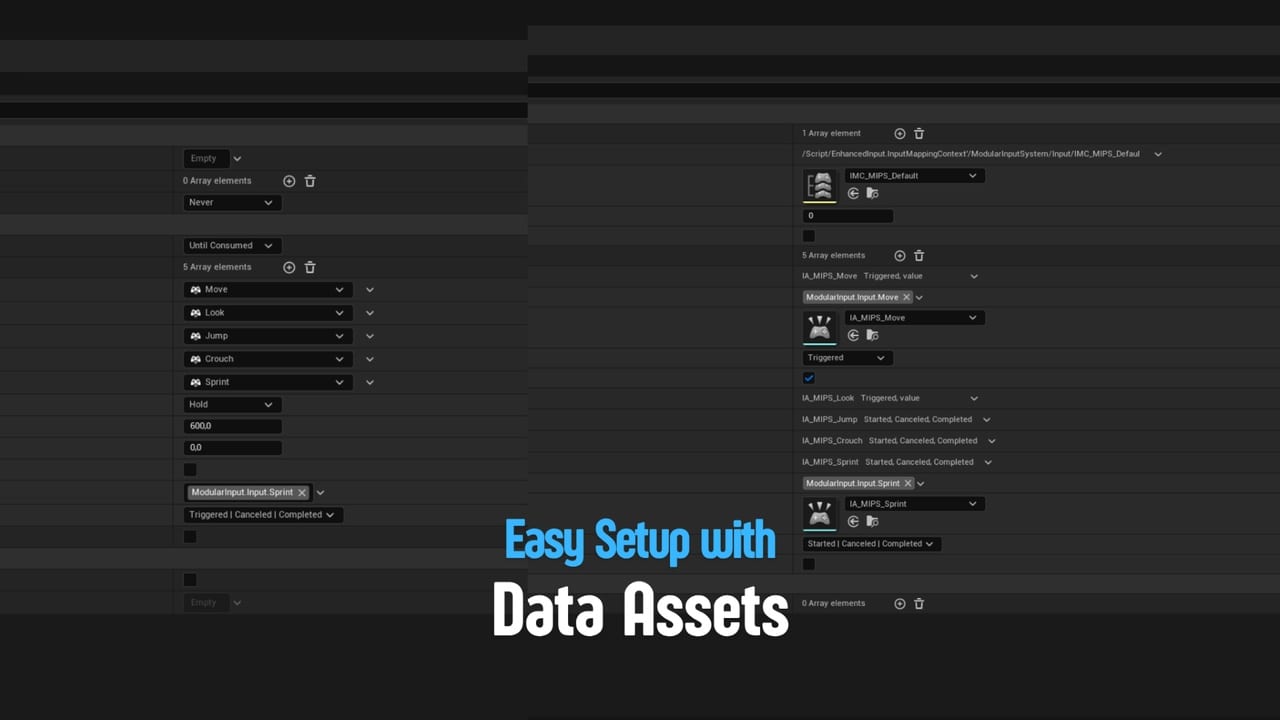
Each Enhanced Input action gets a gameplay tag, and the routed trigger events are chosen per action.
Input Modes
Modes describe how input behaves on foot, in a menu or mid-attack, and are pushed and popped at runtime with priorities.
Gates
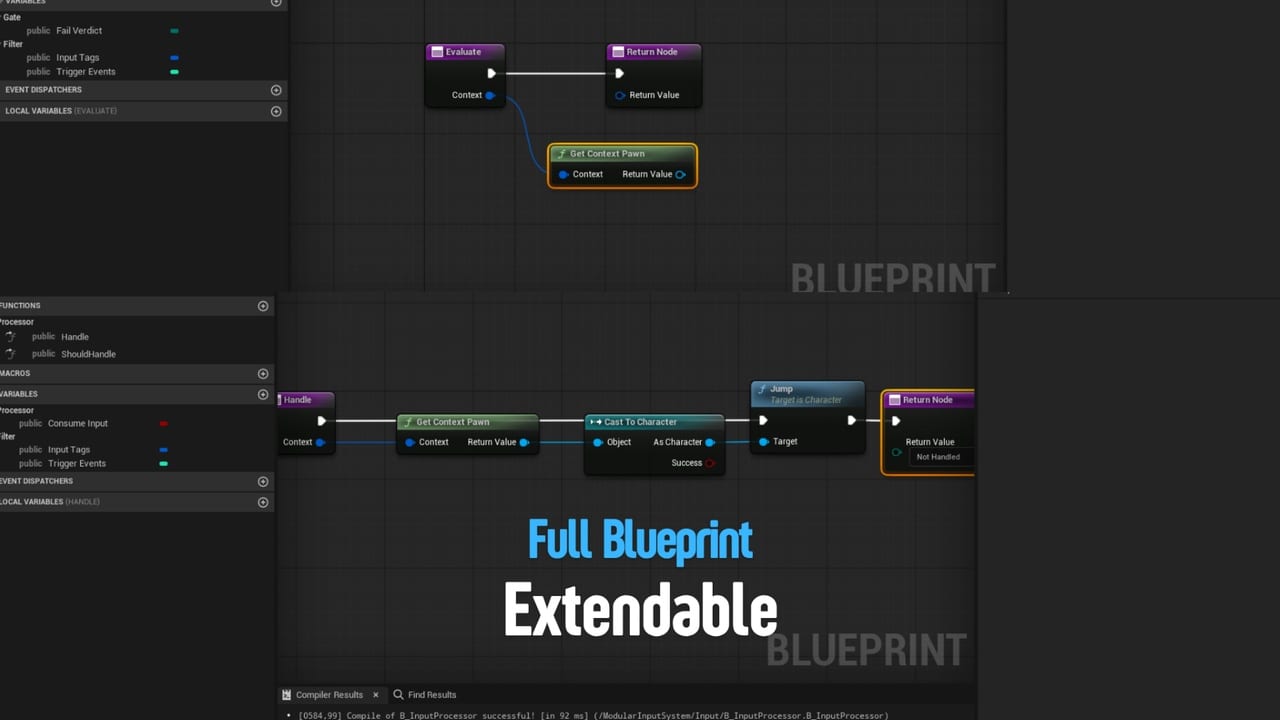
Rules that allow, block or hold an input and always say why. Tag Query, Input Filter and Cooldown are included.
Ready-Made Processors
Move, Look, Jump, Crouch and Sprint work out of the box, along with tag broadcasts, mode changes and custom receivers.
Time-Based Buffer
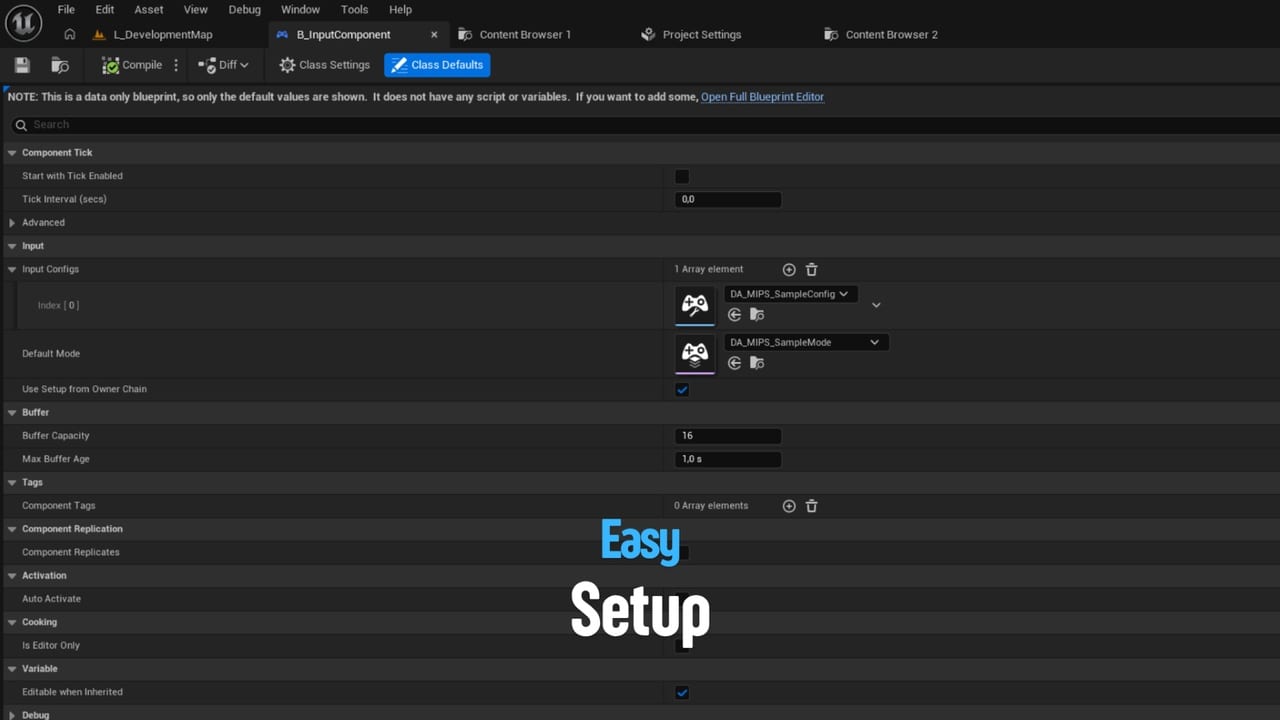
Inputs are consumed by age from anywhere (abilities, anim notifies, State Trees); buffer windows collect inputs and replay the best one on close.
Input Monitor
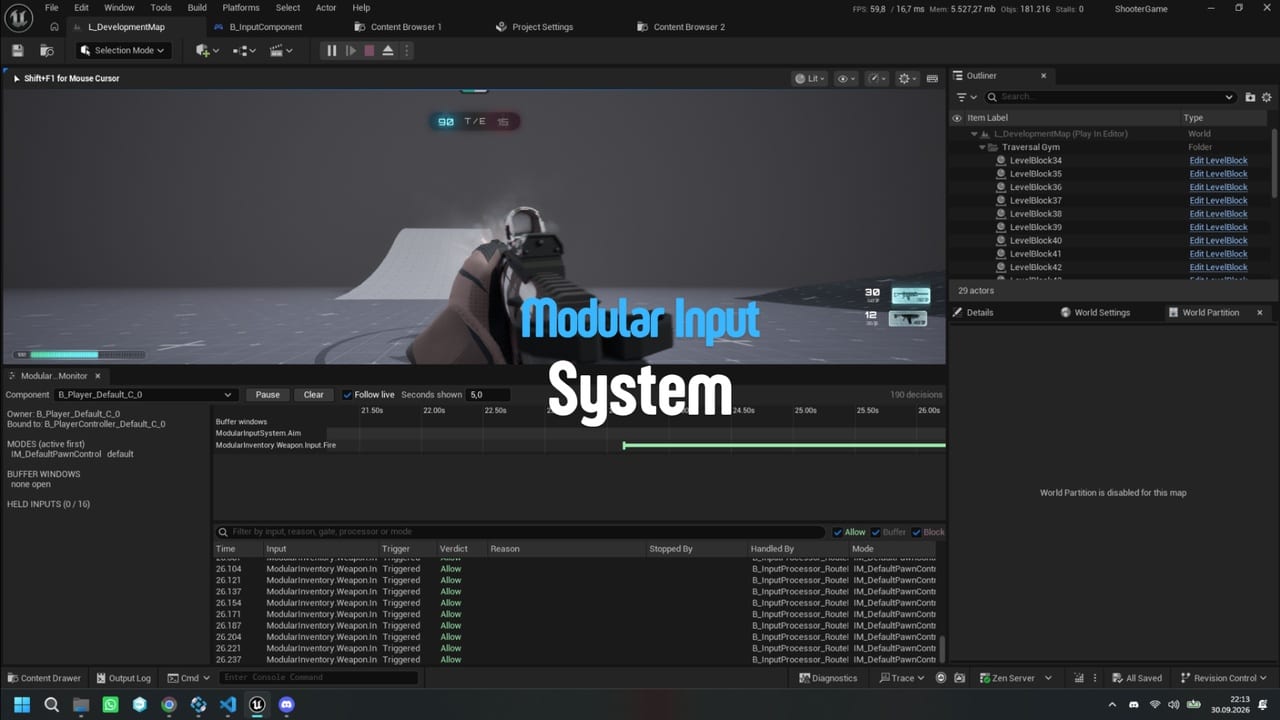
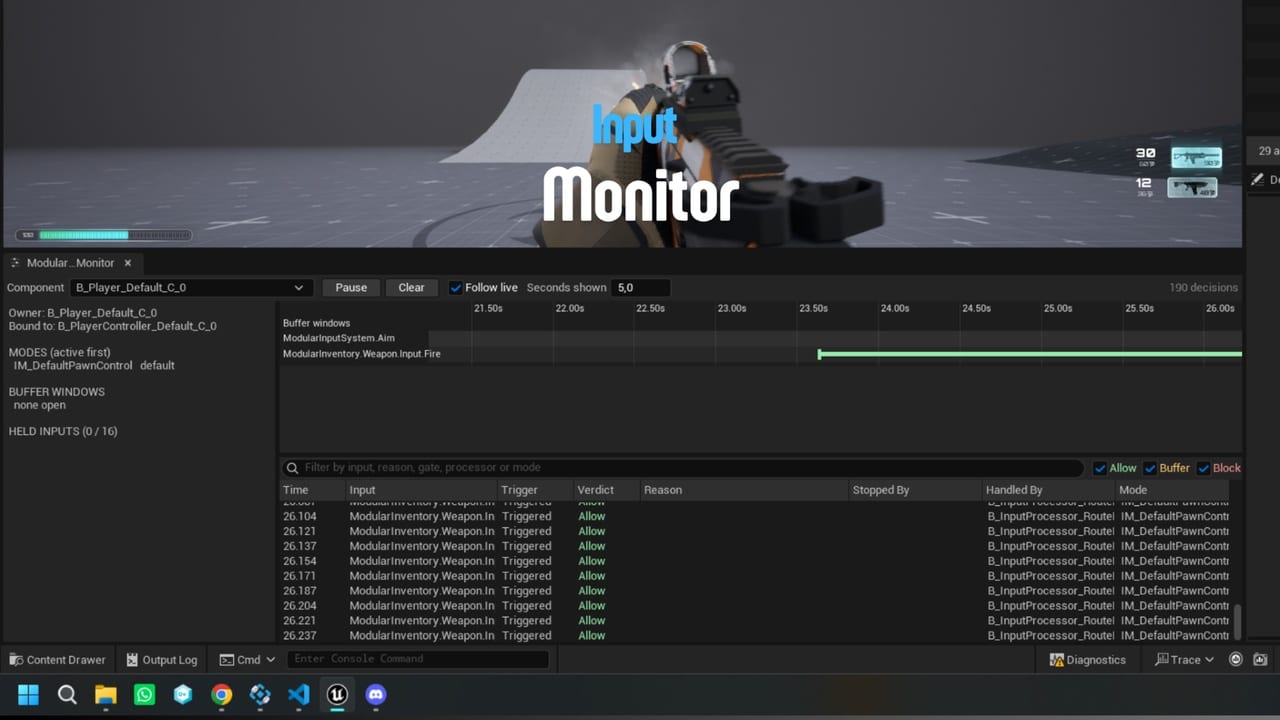
A live Input Monitor tab with a timeline, a gameplay debugger category, asset validation and config warnings.
Device Awareness
Whether the player is on keyboard and mouse, gamepad or touch is tracked as a gameplay tag, so key prompts can follow.
User Settings
Invert and sensitivity modifiers, plus a separate UI module with MVVM view models for key rebinding.
Technical Details
See the plugin documentation for setup, usage and examples.